
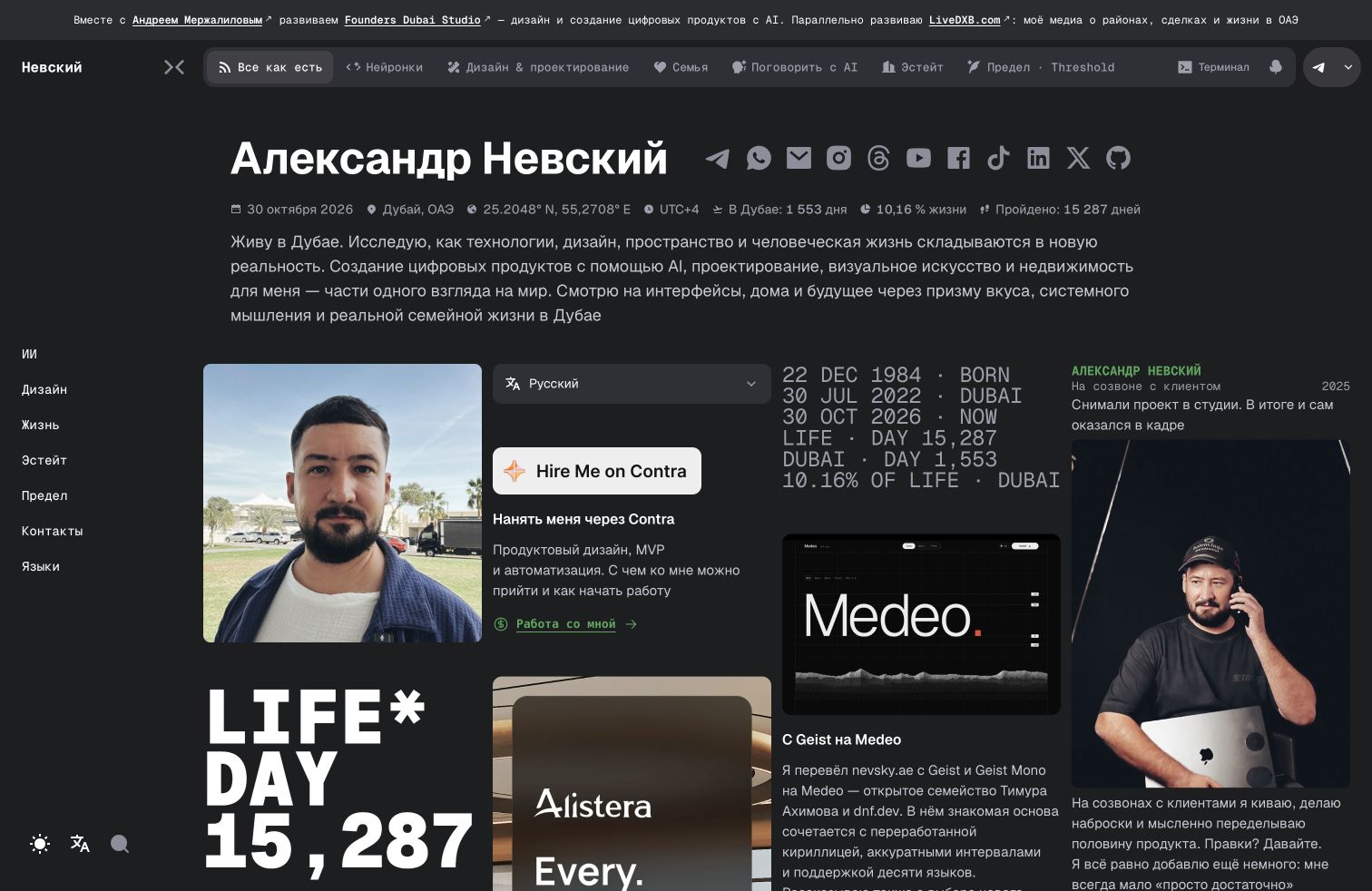
Nevsky.ae has a normal version, an AI chat and another way in: the terminal. You can open a section, find an article and read it directly in a text interface. It is another representation of my blog’s content.
I did not need a separate collection of texts for this mode. The terminal receives the website’s published material: titles, sections, content, images and links. When an article changes, a forgotten terminal copy should not be left behind.
First the name, then the reading
One visible part of this work is the large rendering of my name. In October I asked for all variants to be brought into a randomiser: change the language, style and animation, with random-switch and pause controls beside it. The 21 October release had seven name languages, 13 styles and six effects.
Automatic changes happen roughly every five seconds while the section selector is open. If someone types a command, reads content, selects text or moves to another tab, the animation must not interfere. It is also limited for reduced motion. This required work on interface behaviour, not just letterforms.
Below is the real terminal from the current local build. You can try it inside the article: choose a section with the arrow keys and press Enter, or type help. “Open separately” gives it the whole browser window.
Nevsky.ae terminal version
Terminal version of the website
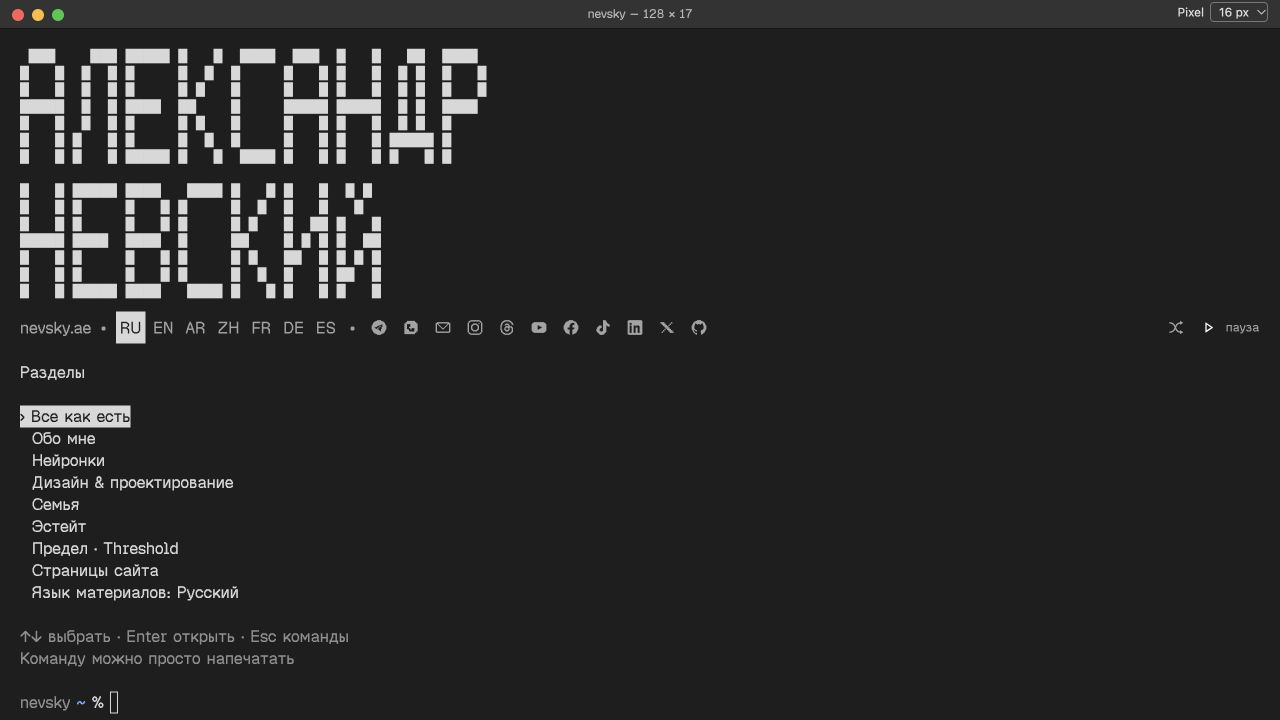
The commands belong to the website
It includes sections, posts, pages and section names such as ai or design. search finds content, open opens it by number and back returns to the list. An article offers images and links. Exit returns to the normal website. You can use the menu without memorising commands.
This does not provide access to my computer’s command line. The website’s code parses the commands, and actions are limited to viewing its content. The terminal window cannot execute arbitrary programs.
What breaks between two beautiful frames
Resizing the window revealed an unpleasant detail: the terminal was still writing the old output when the new one began to redraw. This could duplicate menus or lose an entered command. Generation checks were added to output handling: a stale write must not overwrite a newer state.
Names in different languages and narrow screens needed separate checks. A long name, the language row, social icons and a command must fit at the same time. One successful English screenshot is not enough.
Later, when the website moved to Medeo, the terminal gained Pixel. Measurements and ASCII graphics stayed in xterm, while visible text was rendered through the DOM so selections matched words. This matters to me: if someone cannot select a sentence properly, the terminal’s appearance does not make up for it.
The terminal reads the same published material as normal pages. This story covers the multilingual randomiser released on 21 October and the later work on Pixel and text selection. The article’s interactive window lets you test the main route: section, article, back to the list.
Related stories: The story of Nevsky.ae · A conversational portfolio.

@nevsky_alexander
On Instagram: Dubai beyond the postcard — family, the city, discoveries and life between projects. On Threads: thinking out loud about design and AI. On YouTube: videos that need more room than a story. Follow me wherever you feel at home, and let’s keep in touch