
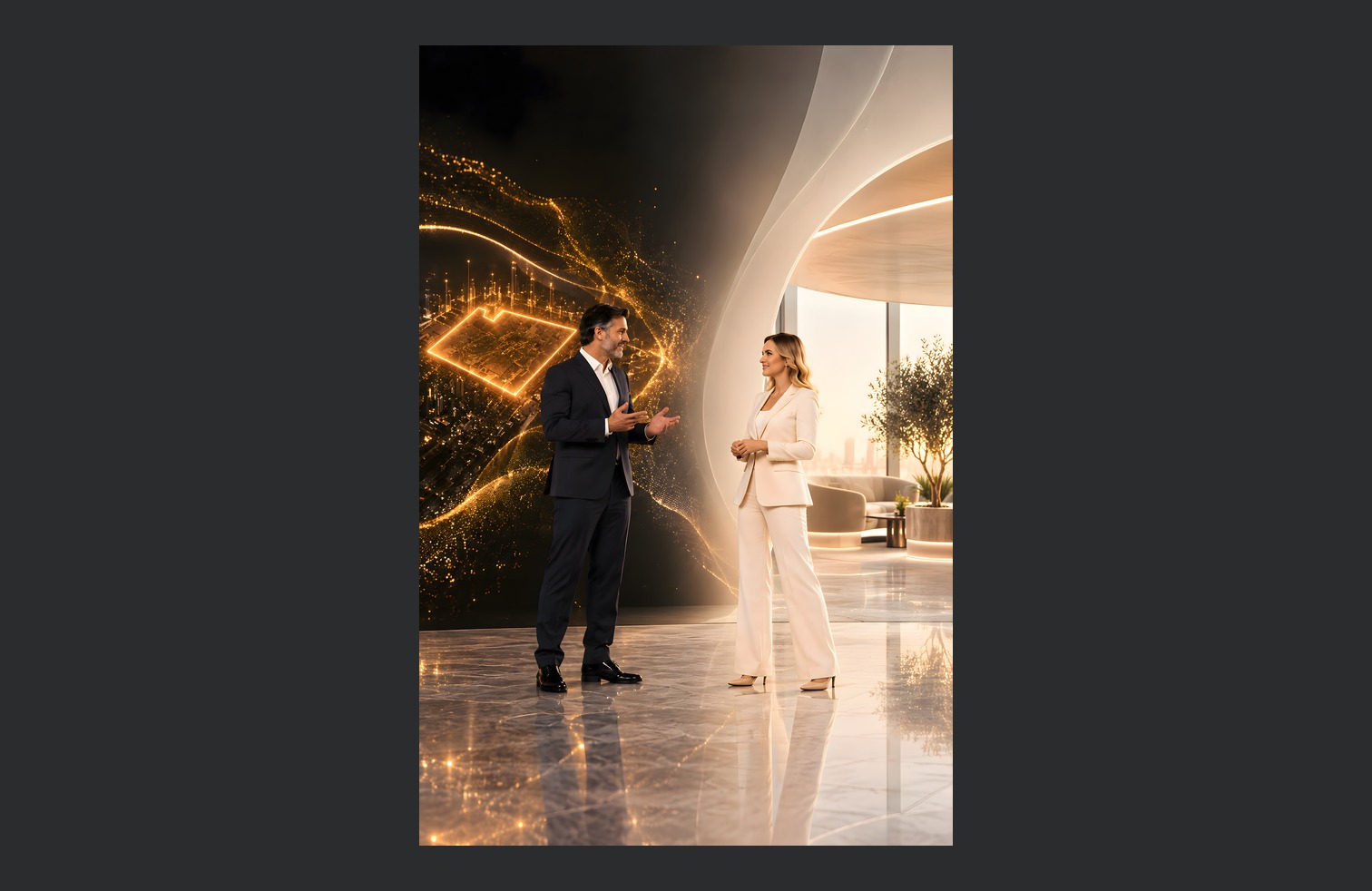
For Alistera’s stand, I assembled a vector layout in Affinity and prepared AI artwork for it. In the chat, the image looked finished, but its original 1024 × 1536 pixels were not enough for a width of 3.7 metres.
Below is the actual image from this work: people in an interior scene and gold graphics. It is a preview of the prepared raster. No photograph of the manufactured stand was found among the materials, so this story is specifically about print preparation.

Do not enlarge the whole layout as an image
In the conversation I made a separate clarification: the layout itself is vector-based, and its text and other elements must remain vectors. Upscaling is needed for the particular image inside Affinity. For the printer, I planned a CMYK PDF with raster graphics at 150 PPI.
The dimensions were therefore calculated from the image placement, not the overall stand size. At 370 cm wide and the original 2:3 proportions, the image height came to 555 cm. That is the raster’s placement size, not a claim about the size of the whole structure.
From 1024 pixels to a large TIFF
Processing used local Real-ESRGAN. We first checked representative crops, then performed two ×4 enlargements and resized to the exact dimensions with Lanczos3. The final verification recorded 21,850 × 32,775 pixels at 150 PPI.
The export was prepared as an RGB TIFF with lossless LZW compression, around 480 MB. The original had no embedded colour profile, so sRGB was assigned to the result. Conversion to CMYK remained a separate final-export step in Affinity, following the printer’s requirements.
A large file still needs inspection
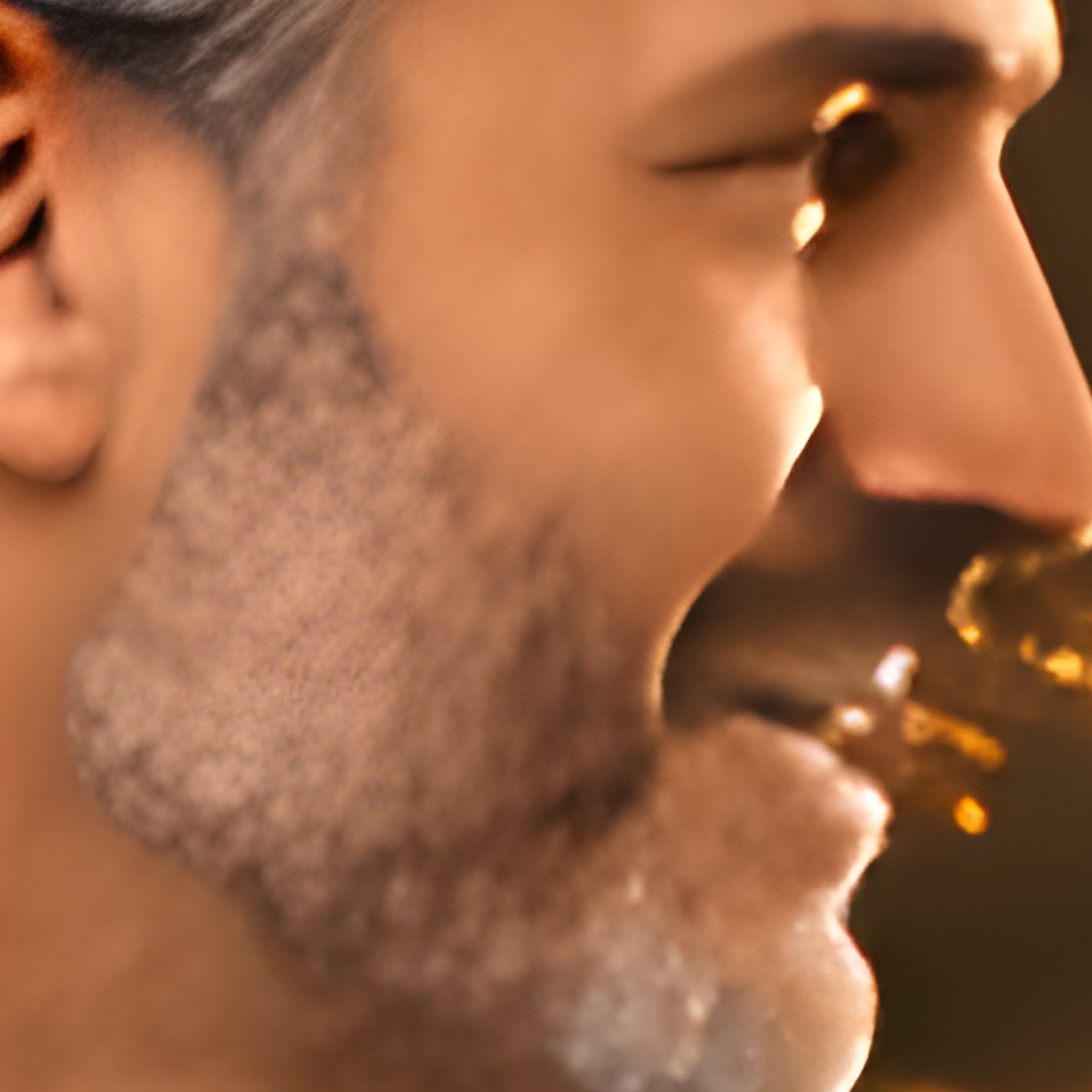
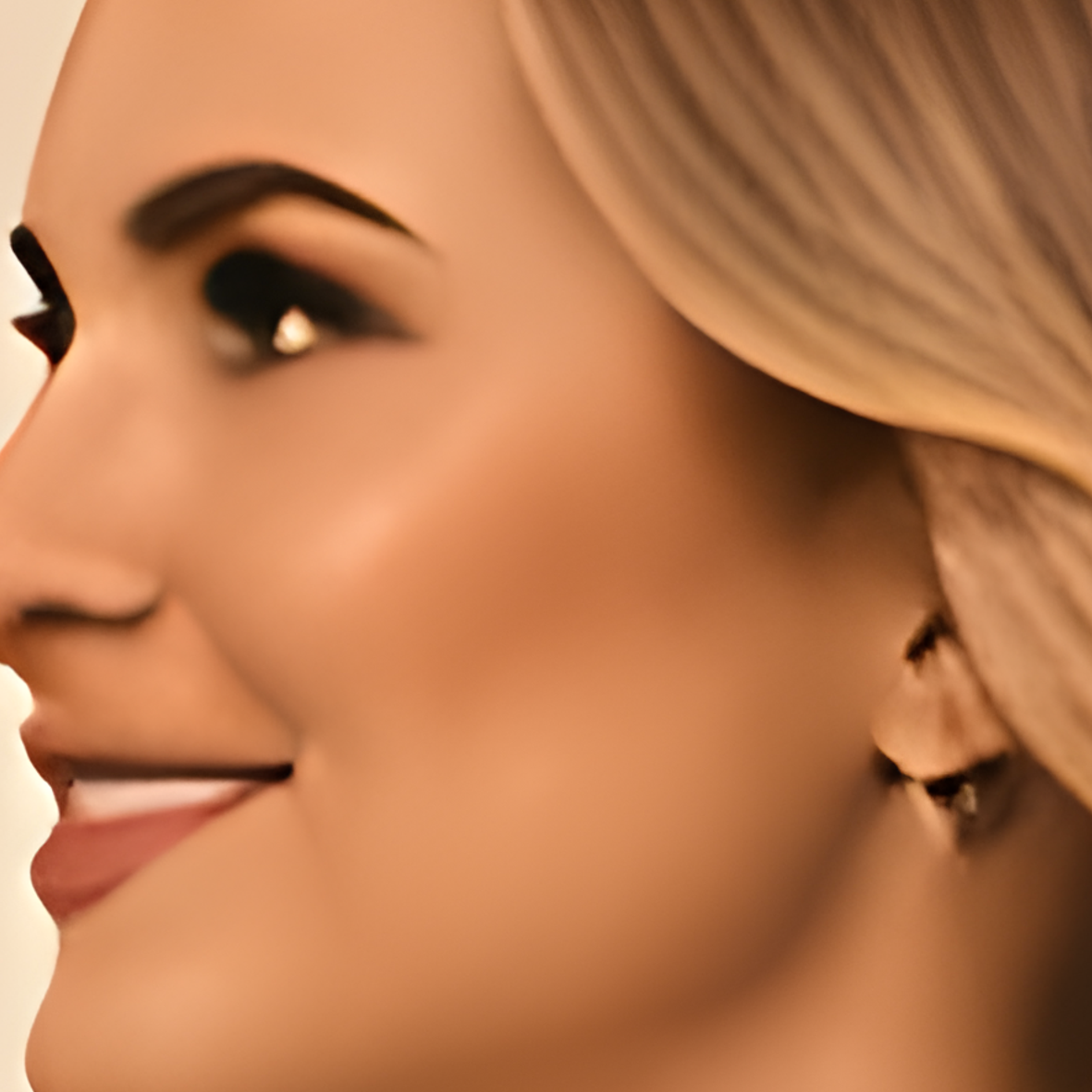
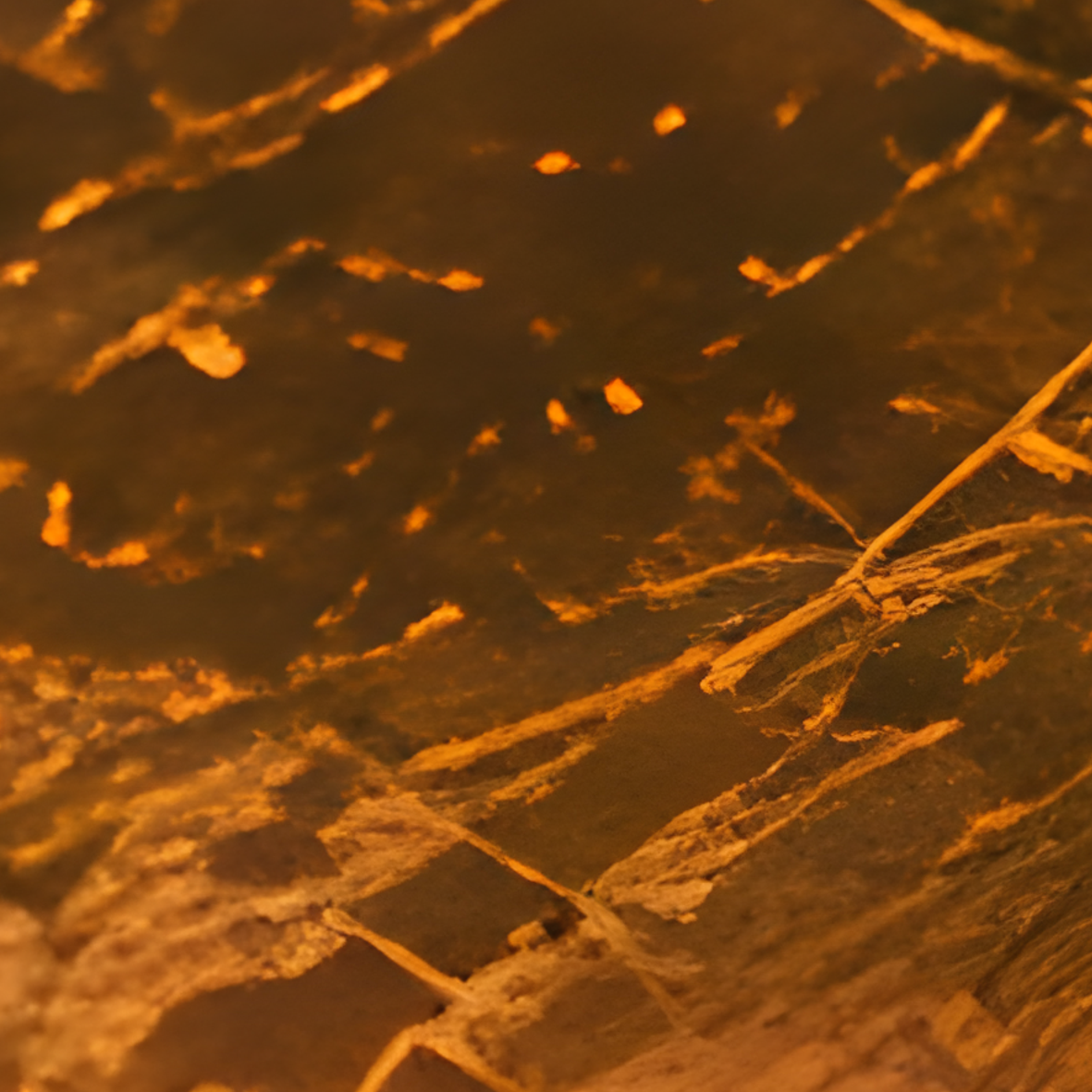
AI reconstructs details, and file size alone does not prove their quality. Faces, hands and gold lines were checked separately. In large crops, the skin looked smoothed: that is visible and does not disappear because the file properties say “150 PPI”.
Three crops of 1181 × 1181 pixels were prepared for checking. At 150 PPI, each measures about 20 × 20 cm. They can be printed at 100% scale and assessed from the stand’s expected viewing distance. Below are actual crops from the prepared result, not new generations made for this article.
Where AI was involved
AI was involved in the image and its enlargement; Codex helped with the local preparation workflow and file verification. Layout assembly, vector text, element placement and printer requirements remained separate work in Affinity.
The verified stage produced a prepared RGB raster and three test-print crops. Vector text and PDF assembly remain in Affinity. A photograph of the finished structure and the colour-proof result are not documented in the materials found; they can be added in a separate follow-up.
Related stories: Alistera public website.

@nevsky_alexander
On Instagram: Dubai beyond the postcard — family, the city, discoveries and life between projects. On Threads: thinking out loud about design and AI. On YouTube: videos that need more room than a story. Follow me wherever you feel at home, and let’s keep in touch